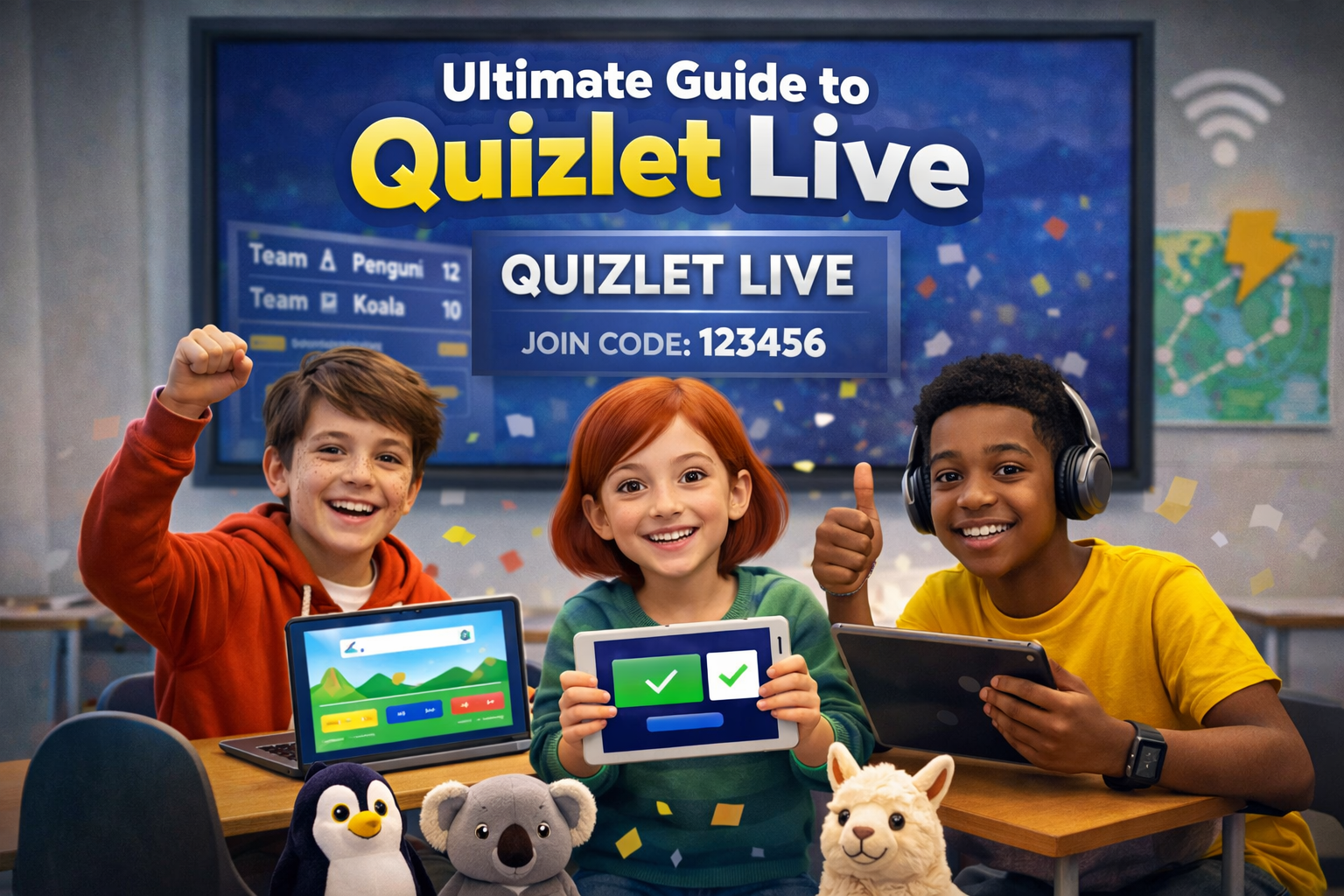
Are you looking to spice up your learning experience or host a fun, interactive game? Quizlet Live is the perfect solution! Whether you’re a student or a teacher, Quizlet Live turns studying into an exciting group activity. In this guide, we’ll walk you through how to make your own Quizlet Live game, how to start it, and everything else you need to know to enjoy this interactive learning tool.
What Is Quizlet Live?
Quizlet Live is an interactive, team-based game that makes studying feel like a fun competition. It uses flashcards that can be shared in a group, allowing participants to answer questions in real-time. Whether you’re studying for a test, reviewing vocabulary, or practising any subject, Quizlet Live makes learning engaging. Teams must work together to answer questions correctly and win the game.
How to Make a Quizlet Live
Creating a Quizlet Live game is super simple and requires just a few steps. First, create a Quizlet account if you don’t already have one. Then, make or select a set of flashcards that you want to use for the game. Once your set is ready, click on the “Live” button at the top of the page. This will automatically generate a unique game code that players can join to start playing.
How to Start a Quizlet Live
Starting a Quizlet Live game is just as easy as creating it. After selecting the flashcards, click “Start” to launch the game. Players will be prompted to enter the unique code you’ve generated to join the game. Once everyone is in, Quizlet Live randomly assigns players to teams, making it an exciting surprise each time. Now, you’re ready to play!
How to Host a Quizlet Live
To host a Quizlet Live, you need to have access to a Quizlet account. Once you’ve created the game, you’ll control the game flow from your device. You can start and stop the game, monitor the progress, and even see how each team is doing. You’ll be the one responsible for sharing the game code with participants, making it easy for everyone to join.
How to Play Quizlet Live
Playing Quizlet Live is a fun way to review your study material. Once the teams are assigned, each player sees a question on their screen. To answer correctly, players need to work together and match the correct answers. The catch is that each team member sees different answers, so communication is key. The winner is the team that completes all of the questions first!
How Does Quizlet Live Work?
At its core, Quizlet Live is designed to encourage collaboration and problem-solving. Each team is made up of players who see different flashcards, so they need to discuss and collaborate to find the correct answers. The game isn’t just about answering questions; it’s about teamwork, communication, and having fun while studying.
Is Quizlet Live Free?
Yes, Quizlet Live is free to use! All you need is a Quizlet account. While Quizlet does offer a premium version, you can access Quizlet Live and its basic features for free. This makes it an excellent option for classrooms, study groups, or even casual learners.
How to Join Quizlet Live
Joining a Quizlet Live game is easy. You’ll need the unique game code, which the host will provide. Once you have the code, go to the Quizlet Live website, enter the code, and you’ll be assigned to a team. After that, it’s all about working with your teammates to win the game!
How to Play Quizlet Live Remotely
Want to play Quizlet Live remotely? No problem! You can play Quizlet Live from anywhere. As long as you have an internet connection, share the game code with friends or classmates, and everyone can join from their own devices. This is especially useful for online study groups or remote classrooms.
How to Host Quizlet Live as a Student
Even though teachers typically use Quizlet Live, students can also host a game. If you’re a student and want to host a Quizlet Live game, create a set of flashcards on Quizlet, generate the live game code, and invite your friends to join. This is a fun way to collaborate with classmates and review material together.
How to Make Your Own Quizlet Live
Creating your own Quizlet Live game starts with building a flashcard set on Quizlet. Afterwards, select the “Live” button, and it will automatically generate a game code. Share this code with others to start the game and make your own custom study session. It’s easy and fun, and it can be used to study for any subject!
Quizlet Live Codes: What Are They?
Every Quizlet Live game has a unique code that serves as a key for players to join the game. The host creates the code, and players enter it to participate. The code ensures that the correct group of players is brought together and prevents anyone from joining without permission. It’s a simple but effective way to keep the game organised.
How to Start Quizlet Live as a Student
Starting a Quizlet Live as a student is a great way to engage with your peers. After creating your flashcard set, click on the “Live” option to generate a game code. Share the code with your classmates, and you’re ready to start! This is a fun and interactive way to make studying less stressful and more enjoyable.
How to Create a Quizlet Live Game Code
Once you’ve created your flashcard set, click on the Quizlet Live button to automatically generate a unique game code. This code will allow your friends or classmates to join the game. It’s a quick and easy way to create a custom, engaging study session. Remember, only the host has access to the code.
FAQs
1. How do I create a Quizlet Live game?
To create a Quizlet Live game, first create a flashcard set on Quizlet, then click the “Live” button. This will generate a game code for you to share with others.
2. How do I join a Quizlet Live game?
To join Quizlet Live, enter the game code provided by the host on the Quizlet website, and you’ll be added to a team.
3. Is Quizlet Live only for teachers?
No! Both teachers and students can host Quizlet Live. Anyone with a Quizlet account can create and host a game.
4. Can I play Quizlet Live on mobile devices?
Yes, Quizlet Live works on both computers and mobile devices. You can join and play the game on any device with internet access.
5. Can I customise the flashcards for Quizlet Live?
Yes, you can create your own custom flashcards on Quizlet and use them for your Quizlet Live game. This makes it perfect for any subject.
6. How do I make Quizlet Live more fun?
To make Quizlet Live more fun, try to make the flashcard sets more interactive and challenging. You can also play with friends and create a competitive atmosphere!
Conclusion
Quizlet Live is a fantastic tool for making studying fun, whether you’re a teacher or a student. By following these steps, you can easily create, host, and play the game with your friends, classmates, or colleagues. So, why not give it a try? Start your first Quizlet Live game today, and see how much more exciting studying can be!
READ MORE: Quizlet Live Join for Kids and Classrooms: A Fun Way to Study
About the Author